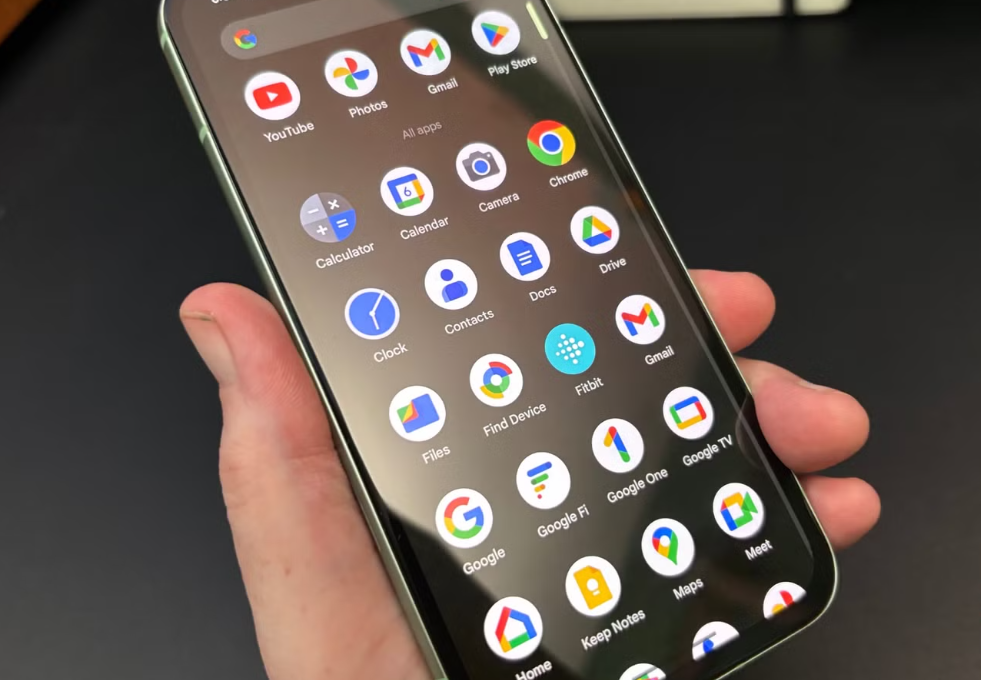
For years, the standard Android productivity setup was based on specialization. Users opened Chrome for research, Google Translate for languages, Google Lens for visual search, Adobe Acrobat for PDFs, a notes app for writing, and cloud storage for moving files between devices.
Generative AI is challenging that model. Apps such as ChatGPT, Gemini, Microsoft Copilot, Perplexity, and Seekee increasingly combine search, writing, translation, image analysis, document processing, and planning in a single conversational interface.
The attraction is obvious: fewer apps, fewer transitions, and a shorter path from question to result. But convenience alone does not prove that one AI app can replace an entire Android toolkit. The more important question is what users gain—and what they give up—when several specialized tools are compressed into one interface.
The Shift From Apps to Intentions
Traditional mobile software is organized around products. You open a translation app because you need a translation. You open a PDF reader because you have a PDF. You open a browser because you want to find information.
AI assistants reorganize this experience around intentions. Instead of deciding which tool to open, the user describes the desired outcome:
- Explain this document.
- Translate the text in this photo.
- Compare these products.
- Summarize this article.
- Turn these notes into an email.
- Find the main argument in this report.
The assistant then decides how to process the request.
This may look like a minor interface change, but it represents a larger shift in mobile computing. The user is no longer expected to understand the boundaries between software categories. Search, translation, writing, and document analysis become parts of the same workflow.
On a phone, this model is particularly attractive. Mobile screens are small, typing is slower, and switching between several applications creates more friction than it does on a desktop. A conversational interface can reduce that friction by allowing the user to stay inside one context.
Specialized Apps and AI Assistants Solve Different Problems
The debate is often framed as a competition between old apps and new AI tools. In practice, they are optimized for different types of work.
| Task | Specialized Android Tool | General AI Assistant | Main Trade-Off |
|---|---|---|---|
| Web research | Browser and search engine | ChatGPT, Perplexity, Gemini, Seekee | Direct answers versus control over sources |
| Translation | Google Translate or another language app | General AI assistant | Speed and context versus consistency and offline support |
| Visual search | Google Lens | Multimodal AI assistant | Object identification versus broader explanation |
| PDF work | Adobe Acrobat or another PDF editor | AI document analysis | Precise editing versus conversational summaries |
| Writing | Notes or office app | ChatGPT, Copilot, Gemini | Manual control versus rapid drafting |
| Office files | Microsoft 365 or Google Workspace | AI integrated with a productivity suite | Full document tools versus prompt-based assistance |
| Navigation and local planning | Maps and travel apps | AI planning assistant | Live structured data versus synthesized recommendations |
| Sensitive tasks | Dedicated or official service | General AI assistant | Reliability and compliance versus convenience |
The table reveals why total replacement is unlikely. General AI assistants are strongest when several kinds of information must be combined. Specialized apps remain stronger when the task requires precise controls, predictable output, official data, or professional formatting.
Convenience Has Become a Product Category
All-in-one AI apps do not necessarily win by producing the best translation, the best PDF edit, or the best web search. They compete by reducing the number of steps needed to complete a mixed task.
Consider a student working with a foreign-language research paper. A traditional workflow might involve:
- Opening the PDF in a document reader.
- Copying an unfamiliar paragraph.
- Moving it into a translation app.
- Searching for background information in a browser.
- Saving notes in another application.
- Drafting a summary in a writing tool.
An AI assistant may compress much of that process into a single conversation. The user uploads or opens the material, asks for an explanation, requests a translation, and then generates an outline.
This does not mean the AI has replaced every underlying capability. It means the interface has hidden the transitions between them.
That distinction is important. The main product being sold is not always better intelligence. Sometimes it is workflow compression.
Not All All-in-One Apps Are the Same
The category of “AI assistant” includes products with very different strategic advantages.
Gemini is closely connected to Google’s Android ecosystem and can work with text, voice, images, the camera, and supported Google services. Its strength is not only the model itself, but its proximity to the operating system and the services many Android users already rely on.
Microsoft 365 Copilot approaches the problem from the productivity-suite side. Its value is strongest for users whose work already lives in Word, Excel, PowerPoint, Outlook, Teams, and related Microsoft services.
Adobe Acrobat’s AI features are narrower but more specialized. They focus on understanding, summarizing, and navigating documents while retaining the traditional PDF tools required for editing, signing, and file management.
ChatGPT and Perplexity take a broader assistant-and-research approach. ChatGPT spans conversation, writing, voice, search, files, images, and connected services. Perplexity is more explicitly positioned around sourced answers and research.
Seekee belongs to the wider group of mobile-first applications that combine browsing, AI search, content assistance, and other everyday utilities (source). Its relevance is therefore not that it uniquely replaces every Android tool, but that it reflects the growing demand for a single entry point to multiple information tasks.
These products may appear similar because they all use conversational interfaces, but they are not interchangeable. Their real differences come from ecosystems, data access, source presentation, document support, business models, and the degree to which they can act inside other applications.
The Quality Problem Is Uneven
One difficulty with evaluating all-in-one AI apps is that their quality is rarely consistent across every function.
An assistant may be excellent at summarizing a general article but less reliable with legal terminology. It may produce a natural translation but miss technical nuance. It may interpret an image correctly while failing to recognize an uncommon product model. It may create a useful PDF summary but lack the editing tools needed to complete the document workflow.
This creates what might be called quality asymmetry: the same app can feel highly capable in one task and surprisingly weak in another.
Specialized apps are usually easier to evaluate because their purpose is narrower. A translation app can be judged primarily on translation. A PDF editor can be judged on document handling. A general AI assistant must be judged across many unrelated functions, making the label “all-in-one” less informative than it first appears.
For users, the practical lesson is that breadth should not be confused with depth. The fact that an application can attempt ten tasks does not mean it performs all ten at a professional level.
Direct Answers Change the Research Process
Traditional search places more responsibility on the user. It presents links, snippets, and competing sources, leaving the reader to decide what is credible and relevant.
AI search reverses part of that process. It reads or synthesizes information first and presents a constructed answer. This is faster, but it also changes where judgment takes place.
With conventional search, the user may experience information overload. With AI search, the user may experience information compression. Both have risks.
Information overload makes research slower. Information compression can remove disagreement, uncertainty, or context. A smooth summary may create the impression that a subject is simpler or more settled than it actually is.
This is why source visibility matters. Perplexity emphasizes referenced answers, ChatGPT Search provides web sources, and document-focused tools such as Acrobat can connect responses to locations within a file. These features do not eliminate errors, but they make verification more practical.
An AI app becomes more useful when it helps the user move between summary and evidence, rather than asking the user to trust the summary alone.
The Cost of Consolidation Is Dependence
Reducing the number of apps on a phone sounds efficient, but consolidation creates a new form of dependence.
When search, translation, writing, files, and personal context are concentrated in one assistant, that application becomes a major gateway to the user’s digital life. A pricing change, service interruption, account problem, policy update, or decline in output quality can affect several workflows at once.
There is also a lock-in effect. The more an assistant remembers about the user’s projects, writing preferences, files, and recurring tasks, the harder it becomes to move to another platform.
Traditional app switching is inconvenient, but it also distributes risk. If one PDF editor stops working, the browser and translation app remain unaffected. In an all-in-one system, convenience and vulnerability grow together.
This does not make consolidation inherently bad. It means users should treat an AI assistant as infrastructure, not merely as another casual app.
Privacy Becomes More Complex When One App Does Everything
An app used only for weather needs a limited set of information. An assistant used for search, documents, images, voice, location-based questions, and writing may process a much broader picture of the user.
The privacy question is therefore not simply whether an app “collects data.” Most connected services process some form of data. The more useful questions are:
- What information is stored?
- Is it used to improve models?
- Can history or memory be disabled?
- What happens to uploaded documents?
- Which connected services can the assistant access?
- Can the user delete conversations and files?
- Are different privacy rules applied to free, paid, business, or enterprise accounts?
Users should be especially cautious with financial records, contracts, medical documents, confidential work files, and personal identification. A convenient summary is rarely worth exposing sensitive information without understanding how it will be handled.
The all-in-one model increases convenience partly because it encourages users to provide more context. That same context is what makes privacy more consequential.
Subscription Economics May Drive Consolidation
The move toward multifunctional AI apps is not only about better user experience. It is also shaped by subscription economics.
Consumers are unlikely to pay separate monthly fees for an AI search engine, an AI translator, an AI writing assistant, a PDF summarizer, and an image-analysis tool. A single subscription offering several functions is easier to justify.
This creates pressure for AI companies to expand horizontally. A research app adds writing. A chatbot adds search. A document platform adds conversational analysis. A productivity suite adds image generation and agents.
The result is feature convergence: major AI products increasingly appear to offer the same broad set of capabilities.
However, convergence at the feature-list level does not mean equal performance. The competitive advantage may move away from the number of available tools and toward integration, reliability, speed, source quality, privacy controls, and access to the user’s existing files and services.
Android Gives Platform Owners an Advantage
On Android, the strongest position may belong not to the app with the longest feature list, but to the assistant with the deepest system integration.
An assistant that can understand what is on the screen, work with the camera, interact with notifications, access permitted files, connect to calendars, and trigger actions in other apps can become more useful than a standalone chatbot.
This gives platform and ecosystem companies an advantage. Google can connect AI with Android and Google services. Microsoft can connect it with workplace files and communication. Adobe can build AI directly into document workflows.
Independent apps can still compete through stronger search, a simpler interface, lower cost, regional features, or a more focused mobile experience. But they face a structural challenge: users increasingly expect an assistant not only to answer questions, but to operate across the rest of the device.
The future competition may therefore be less about which model writes the best paragraph and more about which assistant can complete the most useful action with the least friction.
The Most Realistic Future Is Hybrid
One AI app may replace several lightweight Android tools for casual users. Someone who mainly needs quick explanations, simple translations, short summaries, and basic writing support may find that a general assistant covers most daily needs.
Power users are more likely to maintain a hybrid setup.
They may use:
- an AI assistant for exploration and first drafts;
- a browser or answer engine for research;
- a dedicated translation app for language-specific work;
- Google Lens for fast visual identification;
- Acrobat for precise PDF handling;
- an office suite for final formatting and collaboration;
- official apps for banking, healthcare, travel, and government services.
In this model, the AI assistant becomes an orchestration layer rather than a universal replacement. It helps the user begin a task, understand information, and decide what to do next. Specialized tools complete the parts that require precision.
The Real Competition Is for the Starting Point
The most valuable position on an Android device may not be owning every task. It may be becoming the place where the user starts.
The app that receives the first question can influence which sources are seen, which services are opened, how information is summarized, and which next action is recommended. That gives AI assistants a role previously divided among search engines, browsers, operating systems, and app launchers.
For this reason, asking whether one AI app can “replace everything” may miss the larger change. Full replacement is not necessary. If an assistant becomes the default gateway to research, writing, documents, and decisions, it already occupies the most strategically important part of the workflow.
The likely future of Android is therefore neither a phone filled with dozens of isolated tools nor a phone controlled by one perfect super-app. It is a layered system: a general AI interface at the front, specialized services underneath, and the user deciding when convenience is sufficient and when expertise is required.